
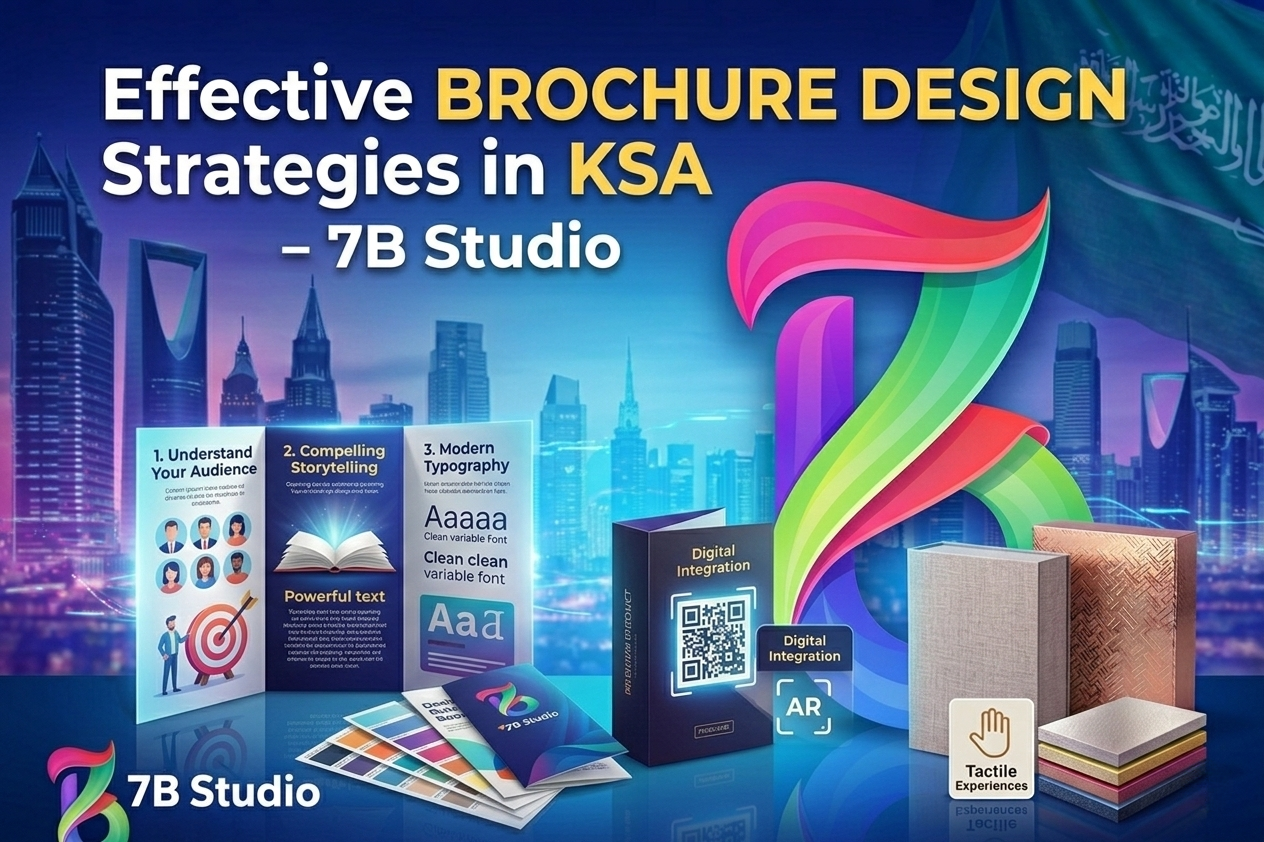
Tips for Effective Brochure Design 2026 | Expert Guide
In today’s hyper-competitive visual landscape, standard-sized marketing materials often get lost in the noise. Whether you are launching a new retail location, wrapping a corporate fleet, or designing an immersive trade show booth, capturing attention requires scale.
Understanding large format printing uses and benefits is the first step toward transforming blank walls, windows, and vehicles into high-impact, revenue-generating brand assets. This guide breaks down the applications, materials, and strategic advantages of going big.
WHAT IS LARGE FORMAT DIGITAL PRINTING?
At its core, large format digital printing (often called wide-format printing) refers to the production of graphics that are too large for standard commercial printing presses. Typically, this includes any print width between 18 and 100 inches.
Unlike traditional methods that rely on printing plates, modern large format technology sprays ink directly onto a substrate. This allows for:
- On-demand production: Cost-effective printing for single items or short runs.
- Extreme sizing: The ability to seamlessly stitch panels together for building-sized murals.
- Material versatility: Printing on flexible rolls or rigid boards.
TOP USES FOR CUSTOM LARGE FORMAT PRINTING
The true power of a large print format lies in its versatility. Modern printing technology has expanded far beyond basic paper posters. Here are the most effective ways businesses are utilizing these graphics today.
1. Retail and Event Marketing
Creating an immersive physical environment is crucial for driving foot traffic and sales.
- Point-of-Purchase (POP) Displays: Eye-catching rigid standees that drive impulse purchases.
- Window Graphics: Perforated vinyl that turns storefronts into billboards while still allowing light inside.
- Trade Show Booths: Utilizing large format display printing for backdrops that are lightweight but visually dominant.
2. High-Impact Outdoor Advertising
When you need to reach thousands of commuters or pedestrians daily, outdoor durability is key.
- Billboards and Banners: Heavy-duty large format banner printing designed to withstand high winds and harsh UV rays.
- Construction Barricades: Transforming unsightly building sites into massive, block-long advertisements.
3. Architectural and Fleet Graphics
Why pay for billboard space when you already own the real estate?
Interior Wall Murals: Applying custom graphics to corporate lobbies or restaurant walls to establish brand identity.
Vehicle Wraps: Using large format adhesive vinyl printing to turn delivery vans and company cars into mobile advertisements.
MAXIMIZING DURABILITY: CHOOSING THE RIGHT SUBSTRATE AND INK
A massive graphic is only effective if it can survive its environment. The secret to long-lasting visuals isn’t just the printer — it is pairing the right ink with the right material.
Rigid Boards and Hard Surfaces
For long-term, structural signage, businesses are moving away from flimsy materials. Large format acrylic printing offers a sleek, glass-like finish that is perfect for high-end corporate office signs or museum displays. When paired with UV-cured inks, these rigid prints become highly scratch-resistant and immune to fading under indoor lighting.
Textiles and Soft Signage
One of the fastest-growing sectors in the industry is large format fabric printing. Fabric is incredibly lightweight, making it inexpensive to ship and easy to install. To achieve vibrant, washable colors that don’t crack over time, premium print shops use large format dye sublimation printing. This process uses heat to transfer ink directly into the fabric’s fibers, resulting in a durable, museum-quality finish perfect for trade shows and retail backdrops.
CORE BENEFITS: WHY YOUR BRAND NEEDS LARGE-SCALE GRAPHICS
Investing in wide-format graphics provides measurable returns for your marketing budget. The primary benefits include:
Cost-Effective Longevity: Thanks to advancements in latex and solvent inks, outdoor graphics can now withstand years of rain, snow, and direct sunlight without needing to be replaced, lowering your long-term advertising costs.
Unmatched Visibility: You cannot scroll past a billboard or swipe away a vehicle wrap. Large formats demand attention in the physical world.
Brand Authority: Scale communicates prestige. A crisp, 10-foot-tall graphic signals a level of professionalism and establishment that standard flyers simply cannot match.
READY TO MAXIMIZE YOUR BRAND’S IMPACT?
Standard marketing materials simply don’t cut it when you need to dominate a space. At 7B Studio, we specialize in transforming your biggest ideas into high-quality, durable visual realities. From immersive trade show fabrics and precision acrylic signs to complete fleet vehicle wraps, our team ensures your brand commands attention.
Stop blending in and start standing out. Contact 7B Studio today to discuss your next large format printing project and get a custom quote.
When you need to reach thousands of commuters or pedestrians daily, outdoor durability is key.
- Billboards and Banners: Heavy-duty large format banner printing designed to withstand high winds and harsh UV rays.
- Construction Barricades: Transforming unsightly building sites into massive, block-long advertisements.
3. Architectural and Fleet Graphics
Why pay for billboard space when you already own the real estate?
Interior Wall Murals: Applying custom graphics to corporate lobbies or restaurant walls to establish brand identity.
Vehicle Wraps: Using large format adhesive vinyl printing to turn delivery vans and company cars into mobile advertisements.
FINDING THE RIGHT LARGE FORMAT PRINTING SERVICES
Not all print shops are equipped to handle the complexities of wide-format production. When searching for large format printing services, look for a partner that offers:
- Pre-press design support to ensure your artwork doesn’t pixelate when scaled up.
- A wide variety of substrates (from eco-friendly fabrics to heavy-duty vinyl).
- Professional installation teams capable of safely applying vehicle wraps or mounting high-altitude banners.
FAQ Section
1. What is the maximum size for large format printing?
While standard commercial printers max out around 18 inches wide, large format printers typically handle rolls up to 100 inches (or over 8 feet) wide. However, by printing in panels and “seaming” them together, the final graphic can be virtually unlimited in size — capable of covering entire buildings.
2. What resolution does my artwork need to be?
For the best results, artwork should be vector-based (like an Adobe Illustrator .eps or .ai file) so it can scale infinitely without losing quality. If you must use raster images (like .jpg or .png photographs), aim for a resolution of at least 150 to 300 DPI at the final print size.
3. How long do outdoor large format prints last?
The lifespan depends on the ink and substrate used. High-quality outdoor banners printed with UV-cured or solvent inks on heavy-duty vinyl can easily last 3 to 5 years in direct sunlight and harsh weather without significant fading.
4. What file formats are best for large-scale graphics?
Vector files such as PDF, EPS, and AI are the industry standard because they do not pixelate when enlarged. High-resolution TIFFs are also acceptable for photographic prints.
5. How do I prevent my images from looking blurry or pixelated?
Never use images saved directly from a website (which are usually 72 DPI). Always use high-resolution, original image files and consult with your print provider’s pre-press team to check the file’s scale before sending it to the printer.
6. Can you print on textured surfaces like brick or concrete?
Yes. Using specialized large format adhesive vinyl printing paired with heat guns, installers can mold the vinyl directly into the grooves of brick, concrete, and stucco for a painted-on look.
7. Is large format printing eco-friendly?
It has become highly sustainable in recent years. Many print shops now use water-based latex inks (which emit zero harmful odors or VOCs) and offer recyclable substrates like specialized fabrics and PVC-free vinyl alternatives.
8. What is the difference between large format printing and offset printing?
Offset printing uses physical plates to stamp ink onto paper, making it cost-effective only for massive runs (like thousands of magazines). Large format digital printing sprays ink directly onto the material, making it highly efficient for custom, short-run, or one-off giant graphics.
9. How long does it take to produce a large format print?
Because the digital printing process does not require plate creation, turnaround times are fast. Depending on the complexity of the project and the substrate, production can take anywhere from 24 hours to a few days.
10. Do I need to hire a professional to install my large format graphics?
For simple banners or small rigid signs, you can usually install them yourself. However, for vehicle wraps, wall murals, or large-scale window graphics, professional installation is highly recommended to prevent bubbles, wrinkles, and material damage.
Post a Comment